Style your closet, your way



· 6 min read
outfit planning digital wardrobe AI styling closet organization style productivity
Outfit of the Day Planner App: Plan Better Looks in 5 Minutes
You open your closet. Closet full. Brain empty.
Most people do not need more clothes. Most people need a better plan.
That is why searches for outfit of the day planner app keep growing — not because style got harder, but because mornings got faster, calendars got busier, and decision fatigue got worse.
The right app does one thing very well: it removes morning guesswork. You save what you own, pre-plan looks by weather and schedule, then get dressed in minutes instead of standing in front of hangers hoping an outfit appears.
This guide shows a practical system you can run every week with your real clothes.
What an outfit of the day planner app actually does
Simple definition. Outfit of the day planner app = digital tool that helps you:
- catalog clothes you already own
- build complete outfits
- assign outfits to specific days
- adapt choices to weather and events
- track what you actually wore
Big difference from mood boards. Mood board gives inspiration. Planner gives execution.
If you only save aesthetic photos from social apps, you still panic at 7:40 AM. If you use planner connected to your closet, you get concrete answer: wear this top, these pants, these shoes, this layer.
Why getting dressed feels hard even with good wardrobe
Three problems repeat for almost everyone.
1) Retrieval problem
You forget half your closet exists. You default to same 8 combinations.
2) Context problem
You know event type, but not exact outfit that fits weather plus dress code plus comfort.
3) Decision overload
Too many options at wrong time. Morning brain low battery. Bad moment for complex style choices.
Outfit planner solves all three by moving decisions earlier. You think once. You reuse all week.
Features that separate useful app from pretty app
Many products look polished. Few help daily routine. If you compare tools, prioritize these capabilities.
Fast closet setup
If onboarding takes forever, system dies before value starts. You need quick upload, easy crop, and basic tags.
Tagging built for decisions
Good tags are not decorative. Good tags answer real question: “Can I wear this today?”
Minimum useful tags:
- category (tee, trouser, blazer, sneaker)
- temperature or season
- occasion (work, casual, dinner, travel)
- color family
- comfort/fabric notes
Daily planning calendar
Core feature for any outfit of the day planner app. You should drag outfit onto Monday through Sunday, then edit fast if weather changes.
Outfit formula library
Reusable formulas save time. Example: “fitted top + relaxed trouser + low profile sneaker + light layer.” Swap pieces, keep structure.
Wear tracking
No tracking means no improvement. Wear history shows hero pieces, deadweight purchases, and real closet gaps.
Set up your planner in under one hour
Do not upload everything on day one. Start small, win early.
Step 1: upload 30 to 50 core items (20 minutes)
Pick pieces you wear now, not fantasy wardrobe.
- 10 to 12 tops
- 8 to 10 bottoms
- 5 to 7 layers
- 6 to 8 shoes
- few accessories
Enough variety for planning. Not enough volume to cause setup fatigue.
Step 2: add practical tags (10 minutes)
Tag for choices, not perfection.
- warm / mild / hot
- casual / work / event
- relaxed / structured
- neutral / accent color
If tag does not change outfit decision, skip tag.
Step 3: build 10 starter outfits (15 minutes)
Use combinations you know work, then add 2 experiments.
Goal = confidence plus novelty.
Step 4: assign next 7 days (8 minutes)
Open calendar. Match each day to weather and agenda.
- office day
- commute day
- gym adjacent day
- social evening
- errands
Then add 2 backup outfits for forecast surprises.
Step 5: run Friday review (5 minutes)
Mark each planned look:
- wore and loved
- wore with tweak
- skipped
This tiny loop trains your closet system fast.
Build weekly OOTD workflow that survives real life
Best system is boring and repeatable. Use this cadence.
Sunday: plan week
Check weather. Check calendar. Fill seven slots in planner.
Morning: zero-stress execution
Open day card. Dress. Done.
Midweek: fast swap
Rain changed? Meeting added? Replace one outfit, not whole week.
Friday: learn and refine
Save top performers. Archive misses. Note one true gap.
This rhythm turns outfit planning from occasional project into operating system.
How this reduces shopping without feeling restrictive
People overshop when they cannot visualize options. Planner fixes visualization.
Before you buy anything, run three checks inside app:
- Do I already own close equivalent?
- Can new item make at least three outfits with current closet?
- Does this solve real gap from my weekly review?
If answer is no, skip purchase.
Over month, this single rule cuts duplicate buys and increases wear per item.
Use AI without turning app into shopping machine
AI useful only when grounded in your closet. If tool pushes generic product links, that is commerce engine, not style assistant.
Strong AI workflow inside outfit of the day planner app:
- input: your own items + day context
- output: complete look with alternatives
- constraint: no new shopping required
Prompt pattern that works:
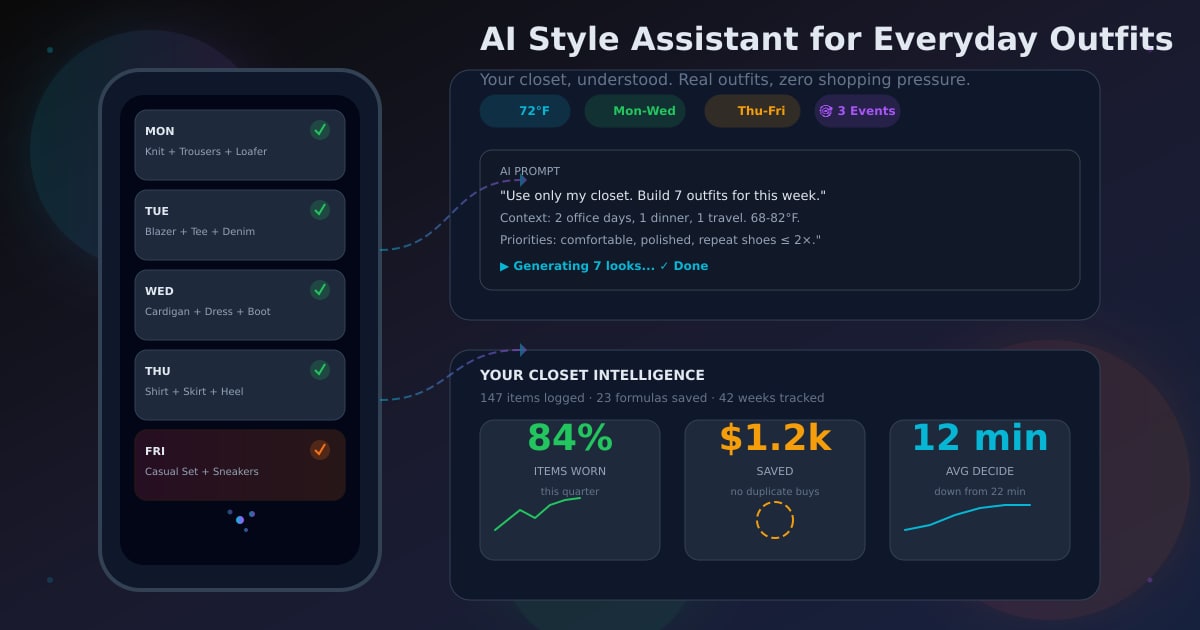
“Use only my saved closet. Build outfit for 72°F, client meeting then dinner, comfortable for walking, polished but not formal. Give two shoe options.”
Specific context gives specific result.
Weather planning: most underrated feature
Many outfit mistakes are weather mistakes.
Good planner should surface forecast next to day slot so you can pre-adjust:
- swap heavy layer for lightweight overshirt
- change suede shoe to weather-safe option
- prep rain backup night before
One forecast-aware tweak can save whole day comfort.
Common mistakes with outfit planner apps
Mistake 1: uploading only statement pieces
Basics do most work. If basics missing, recommendations become unrealistic.
Mistake 2: ignoring shoes and outerwear
Outfit fails often at final 20 percent. Log shoes and layers early.
Mistake 3: no calendar mapping
If you save outfits but never assign to dates, you still decide from scratch each morning.
Mistake 4: no review loop
Without wear feedback, app becomes static gallery.
Mistake 5: trying to perfect everything
Good-enough data now beats perfect data never.
Metrics to know if system working
Track these for 30 days:
- average morning decision time
- number of repeated high-confidence outfits
- unworn items surfaced and reused
- duplicate purchases avoided
- outfits planned vs outfits worn
Progress looks like this:
- time down
- confidence up
- random shopping down
- closet utility up
Who benefits most from an outfit of the day planner app
High value if you:
- feel rushed weekday mornings
- switch between work, casual, social contexts
- have full closet but low outfit clarity
- want capsule mindset without rigid uniform
- want AI style help without constant shopping pressure
If this sounds like your week, planner app not vanity tool. Planner app productivity tool.
Dripmatiq approach
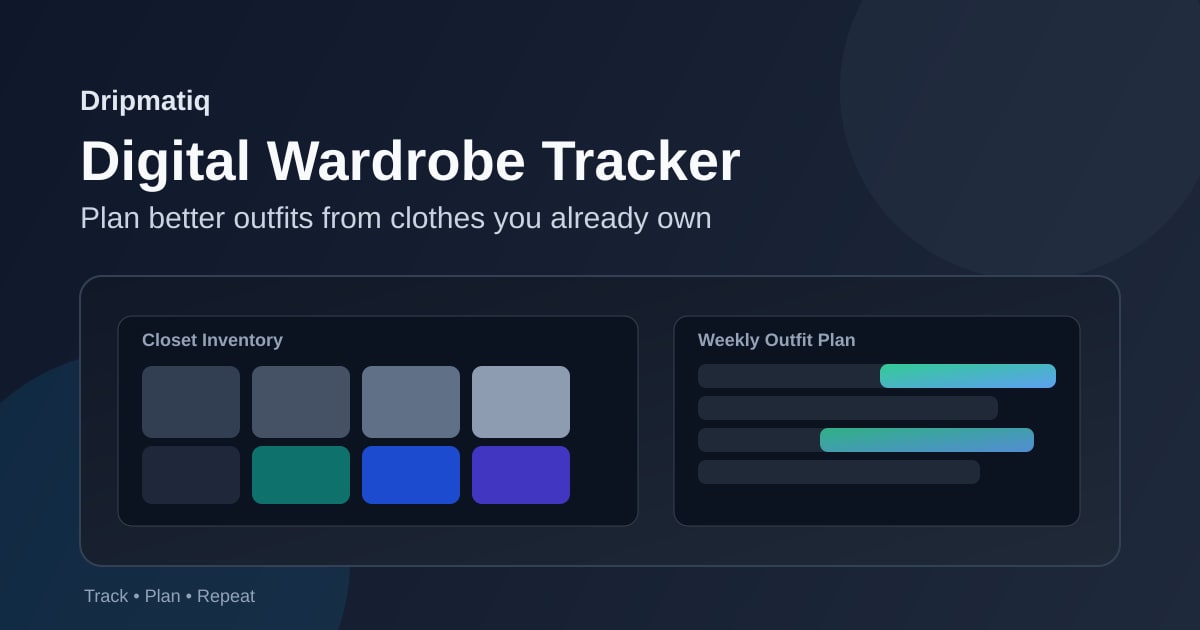
Dripmatiq built for planning from clothes you already own.
You upload closet, generate daily looks with AI support, adapt to weather, and save formulas that keep working. Focus is practical repeat wear, not endless buying.
If goal is dress faster and buy smarter, this is exact workflow.
Final takeaway
Best outfit is not most expensive outfit. Best outfit is one you can decide quickly, wear confidently, and repeat intelligently.
That is what good outfit of the day planner app gives you.
One hour setup. Fifteen minutes per week. Better mornings every day.
If you want start point, begin with your top 30 pieces, plan seven days, and let data show what actually works.
Your closet, decoded.
See what you already own in a whole new way.